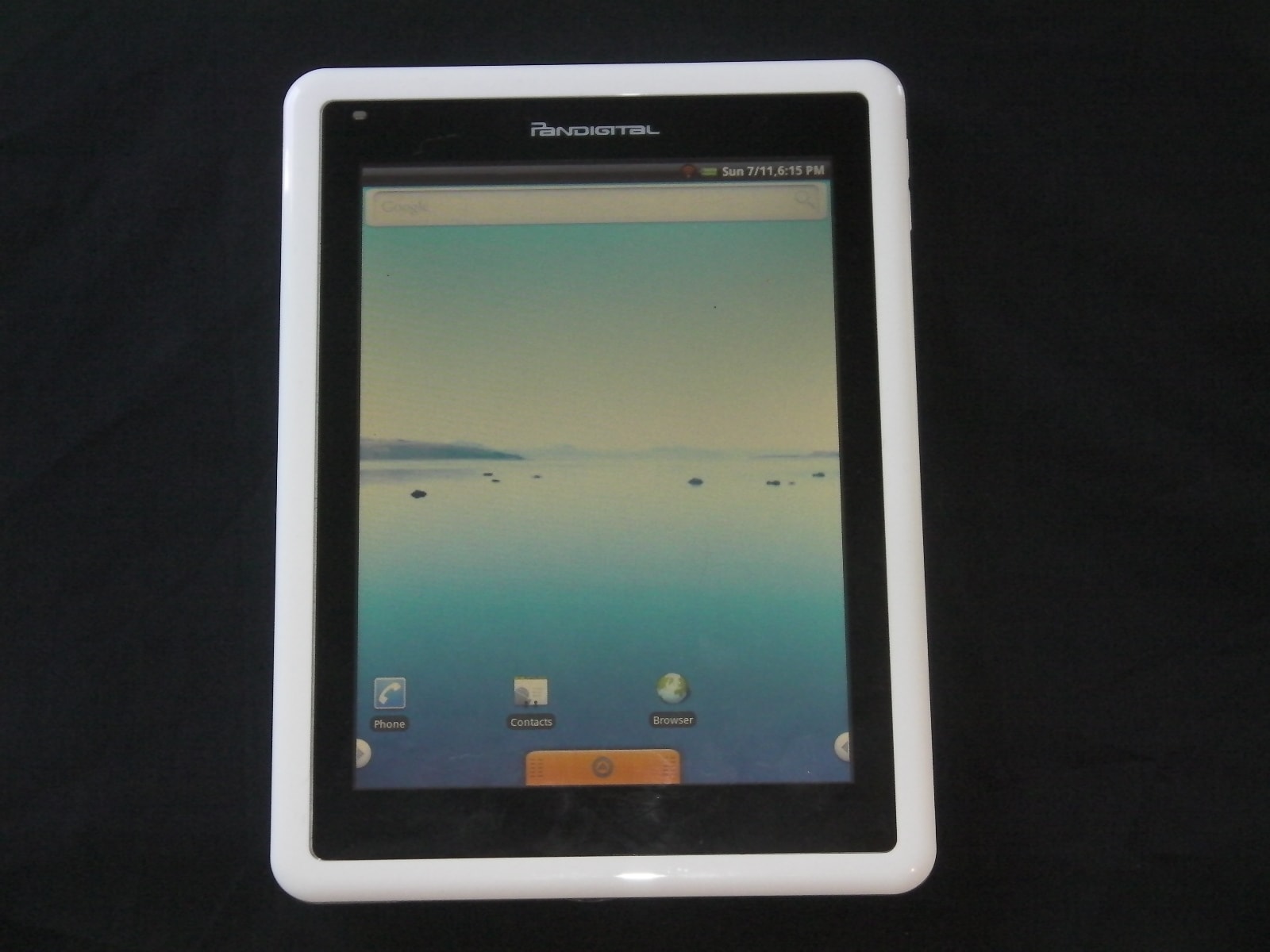
Hacking the Pandigital Novel (video)

 Second Update: These instructions were written back in July 2011, and they stopped being valid by the first of August 2011 (the process got a lot easier and now gives you better results). You can find the new instructions here. Trust me, you’ll want to use the new instructions.
Update: When I originally wrote this, I obviously wasn’t clear in certain details. Several of the articles written about this hack have said that I did all the work. This is not true, nor was I trying to claim credit. Credit goes to a particular SlateDroid member by the name of "meth".
A couple weeks back I said I was going to try to root my Novel. Sorry about the delay. The process wasn’t functional until Thursday night, and it wasn’t until Saturday morning that it was actually worth bothering with.
First, if you want to hack your Novel then you really should visit SlateDroid and check out the Novel forum. That’s where you can find help with troubleshooting. I’m not refusing to help; I just want to do it in a forum setting (it’s easier).
I didn’t go all the way and actually root the Novel. Instead I stopped after I installed a replacement home screen (so I could run other apps). I had trouble finding a home screen that I could download. For the most part they are only in the Marketplace and I don’t have access. Eventually I found Panda Home, and it seems to be working okay.
Installing apps on the Novel requires the use of the command line (that’s what works for me) but the process is relatively easy. You can’t use the new apps from the existing home screen, so you’ll also need to install a new home screen. I have Aldiko, Kindle, Fictionwise eReader and Kobo apps installed. I’d forgotten how much I liked Aldiko.
As you can see in the video, the page turn speed is significantly faster with Aldiko or the Kindle app. General responsiveness has also improved. I’m a lot happier with the Novel now that crappy original software has been bypassed. It turns out that it does have decent hardware specs.
P.S. Here are the instructions on how to hack your Novel. They’ve been checked by a couple people and I feel safe about sharing them. Use at Your Own Risk.
How-to-Hack-the-Novel (instructions)
Hack the Novel (ZIP file)