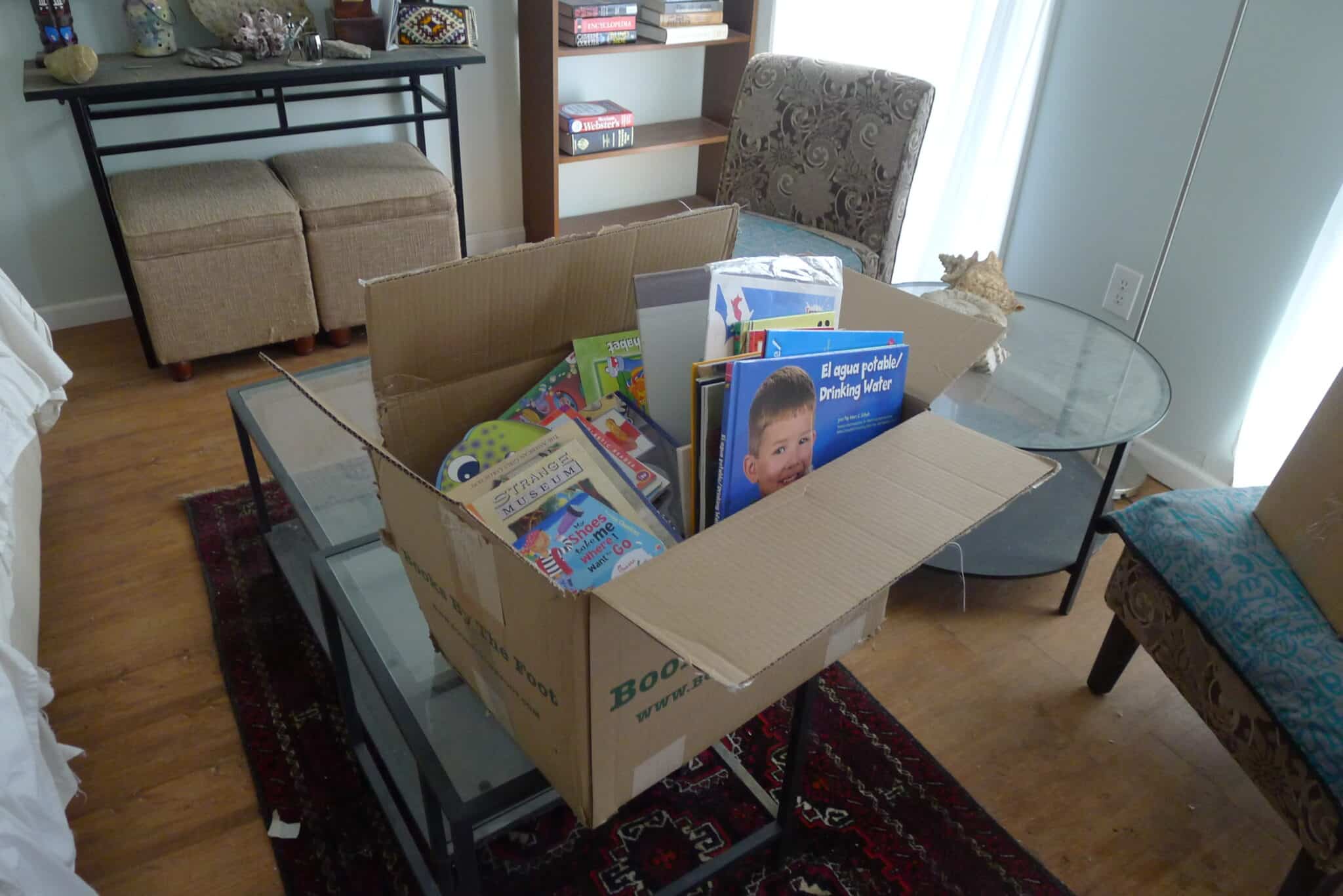
I recently developed a need for buying children’s books in bulk. I found a couple sources, one great and the other not so great, and I want to share them with you.
Further down you can find the latest articles in the Electronic Reading category of The Digital Reader. The following links will take you to our other sections :-)
I recently developed a need for buying children’s books in bulk. I found a couple sources, one great and the other not so great, and I want to share them with you.
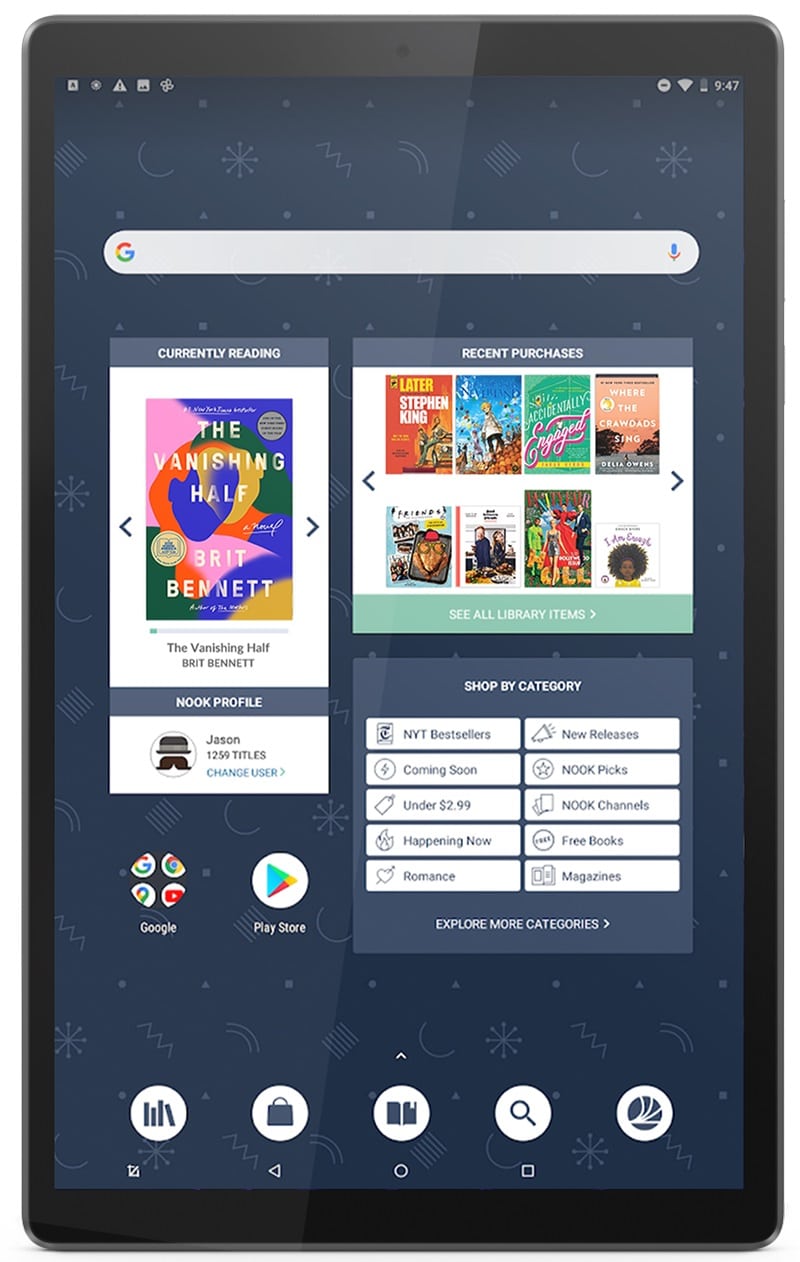
Barnes & Noble has been exceedingly quiet on the ebook front since it was acquired two years ago. Once it stopped being a publicly traded company, it no longer announced its quarterly revenue, including its ebook sales.
It’s finally happened.
Amazon has announced that soon it will no longer accept* Mobi files in KDP. They just sent out an email informing authors and publishers that Epub and Doc are now the preferred formats:
The new year is traditionally a time for self-improvement. Some join gyms, others launch new projects, but I like to get introspective.
I think the new year is a great time to reconsider how we can use Gmail to get more done. Gmail is possibly the most widely used email service, but are you getting the most out of it?
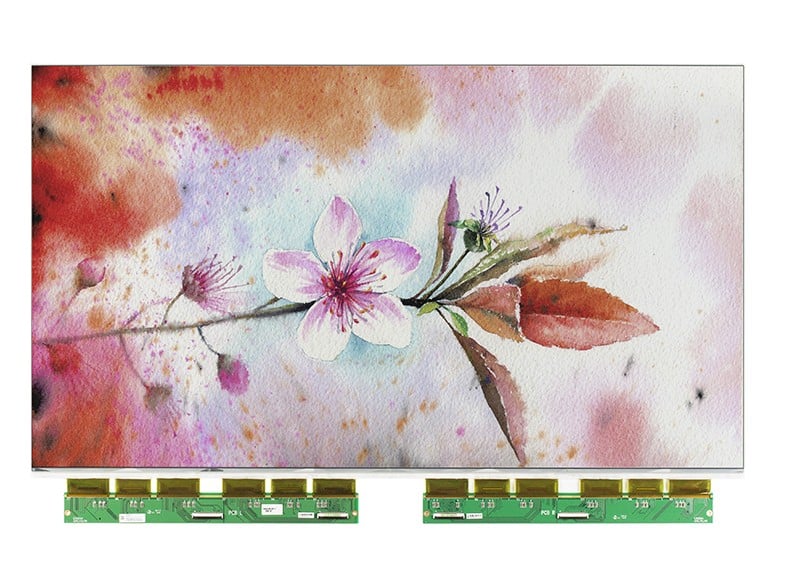
Color E-ink screens are expensive, and that is doubly true as the dimensions increase. There’s less of a demand for large screens, which means smaller production runs, and consequently higher costs.
But those larger screens are available, if you have the funds.
I just found something cool I want to share with you.
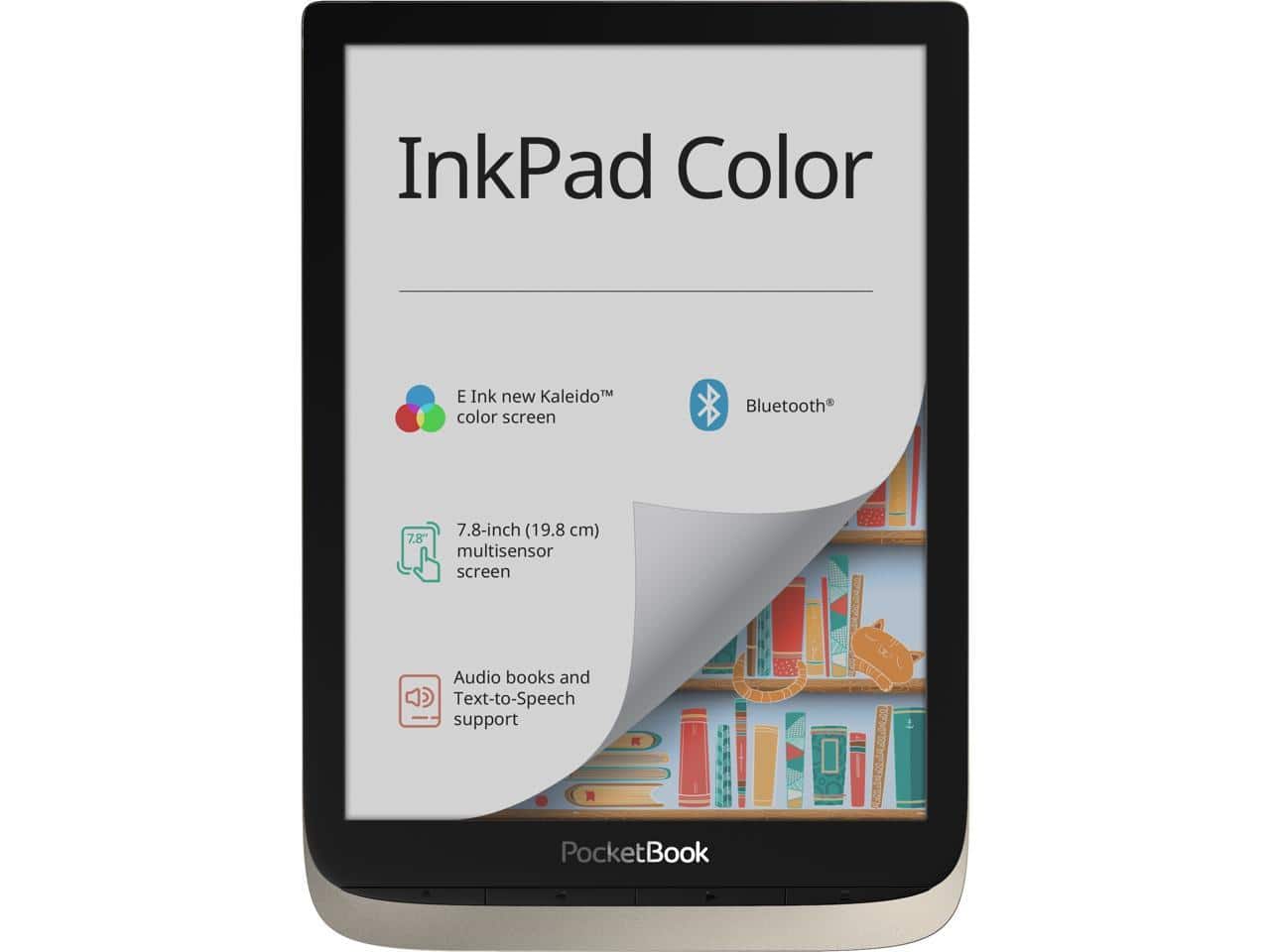
The new color ereader I told you about last week now has an official model name.

The Pocketbook 740 will be a great color ereader, but it does have one small quirk that some won’t like: It runs a version of Linux. If you want an ereader that runs Android and has a color E-ink screen, you should look at the Bigme S3.

I was just over at MobileRead, sharing the good news about Kobo’s new ereader, when I found out about the Pocketbook 740.
Amazon may have put Kindle development on hold for the duration, but Kobo has not.

Long time readers of this blog have probably noticed the sharp decline in new blog posts. Alas, my interests have shifted, and the following project is an example of why.
It took 3 weeks longer than I expected, but the Big Five Publishers have been named as co-defendants in the Amazon ebook price-fixing lawsuit.
Barnes & Noble has always offered ebook royalty terms which were better than Amazon’s, and now they’re a lot better.
Earlier today I set out to write a round up post on the topic of feed reader apps. I am trying to devote Sunday morning to staying in bed and catching up on my news feeds on my iPad, and I thought that would be a great reason to download all the apps, test them, and then write a blog post talking about which one was best.